

Summoning tools
- Every tool has a global shortcut. By default they’re all ⌃ ⌥ plus one key. Rebind or clear any shortcut in Settings → Shortcuts (⌃ ⌥ H). See the Quick reference for the full list.
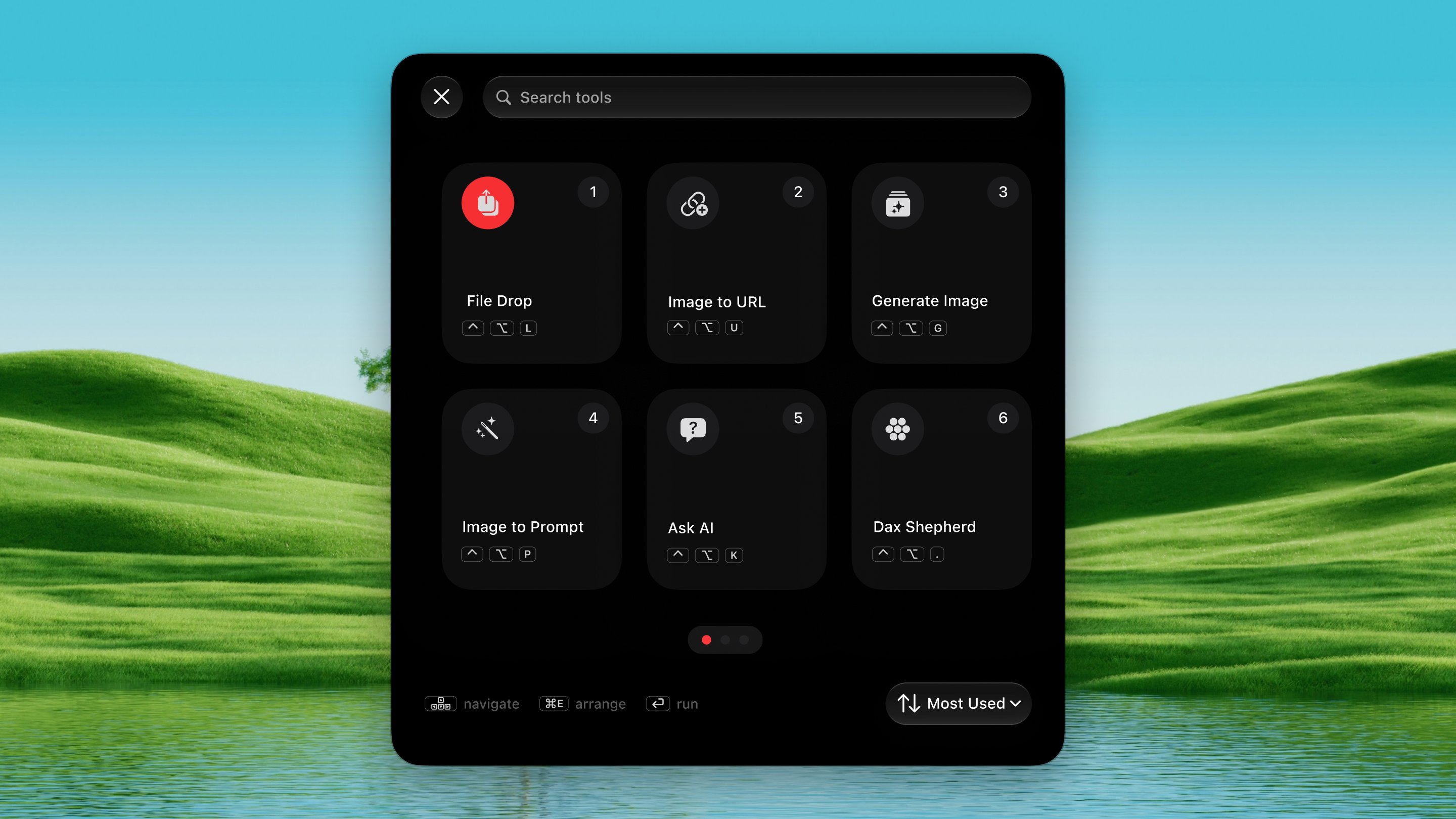
- The launcher grid: press ⌃ ⌥ Space to open a grid of every tool. Click one, or press 1–9 for the first nine. Handy before you’ve memorized a shortcut.
- The menu-bar icon lists the tools too, and opens Settings.
Global shortcuts (not tools)
Getting started
When you first launch Dax, a setup screen walks you through creating an account:- Sign up with your name and email. We’ll send you a code; type it in and your account activates instantly. Start on the Free plan and upgrade to Pro ($10/month, 2,500 credits) via Stripe any time.
Plans (managed accounts)
Credit costs
Each action costs a different number of credits:
Credits from your plan reset on the 1st of each month.
Top up credits
Need more credits? Buy a top-up any time — credits are added instantly and last until the end of the month.
Spend order: plan credits are used first. When plan credits run out,
top-up credits kick in. Unused credits reset at the end of the month.
Upgrade any time from the Usage window. Manage or cancel your subscription
through the Stripe customer portal.
If your account is suspended, Dax enters a locked-down state and every tool
politely points you at support rather than opening.
Online vs. offline tools
Some tools are purely local; others need the internet. Offline, the network tools dim in the launcher and show a “needs the internet” toast instead of opening a panel that could only fail. They re-enable the moment the connection returns.Work offline
Frequent CLIs, Boilerplates,
Inject MD or Skill (except Share as a Link), Open Project,
Vibe History, Command History,
Image to Text,
Secrets, Remove BG,
Agent Watch, Herdr,
Prompt Snippets, Clipboard History