

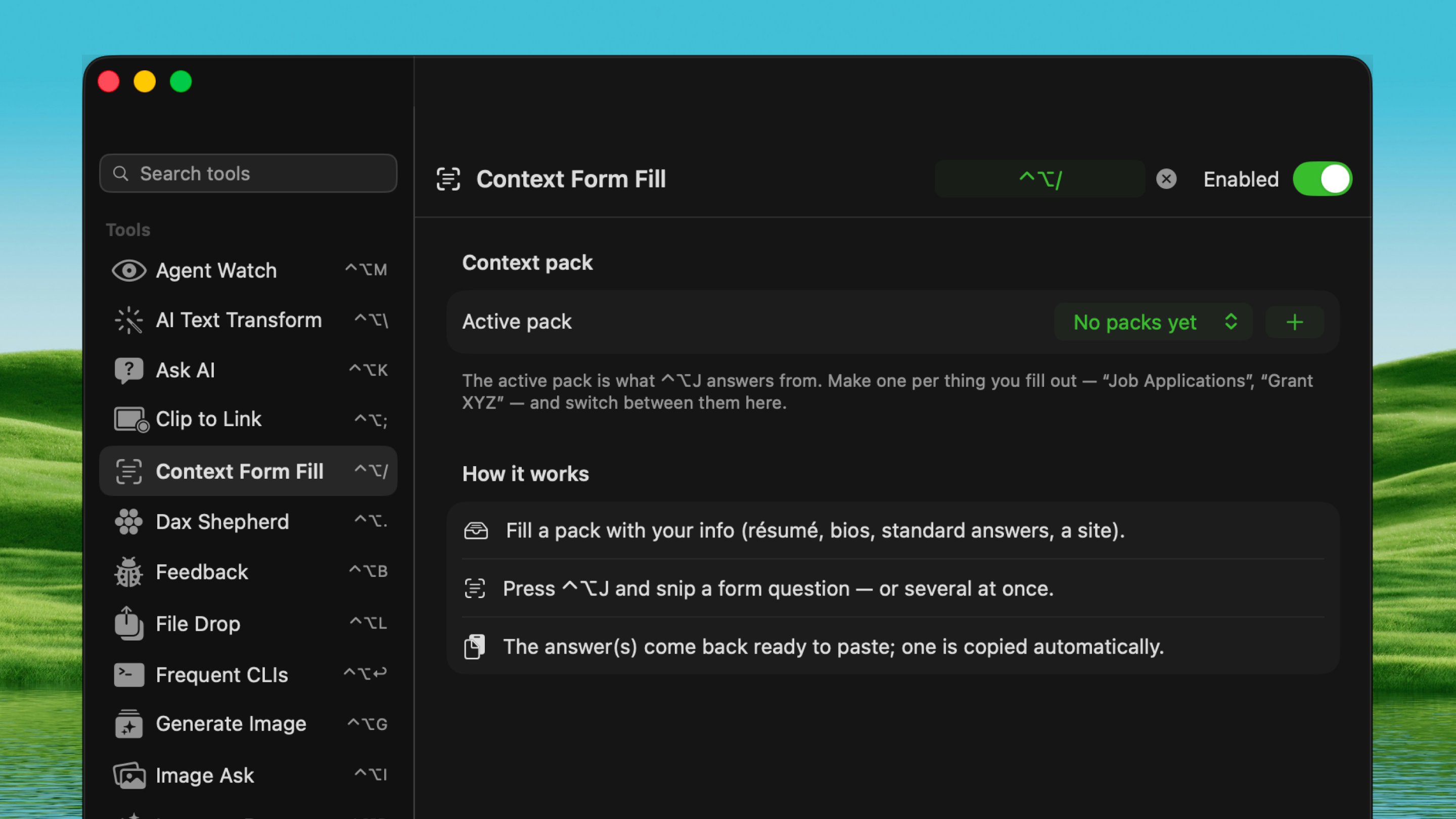
Open it
Press ⌃ ⌥ X from any app.How it works
1
Build a Context Pack
In Settings → Tools → Context Form Fill, add your résumé, files, pasted
text, or URLs. You can edit any item later.
2
Snip a question
Press ⌃ ⌥ X and draw a box around a
form question on screen.
3
Paste the answer
Dax answers it from your active pack, ready to paste. Snip more than
one question and it answers each.
In the snip overlay
Press ⇥ to swap the active Context Pack. The crosshairs hide, a pack list appears, choose with arrow keys, press ↩, and the crosshairs come back. (The ⇥ hint shows in the capture pill when you have more than one pack.)In the answer view
- Educated guesses: when your pack doesn’t spell out the answer, Dax makes
a reasonable guess (tagged as such) instead of a blank
-. - Refine: ask a follow-up to steer or expand any answer.
- Edit & remember: fix an answer and Dax adds your correction back into the pack, so next time it answers correctly on its own.