

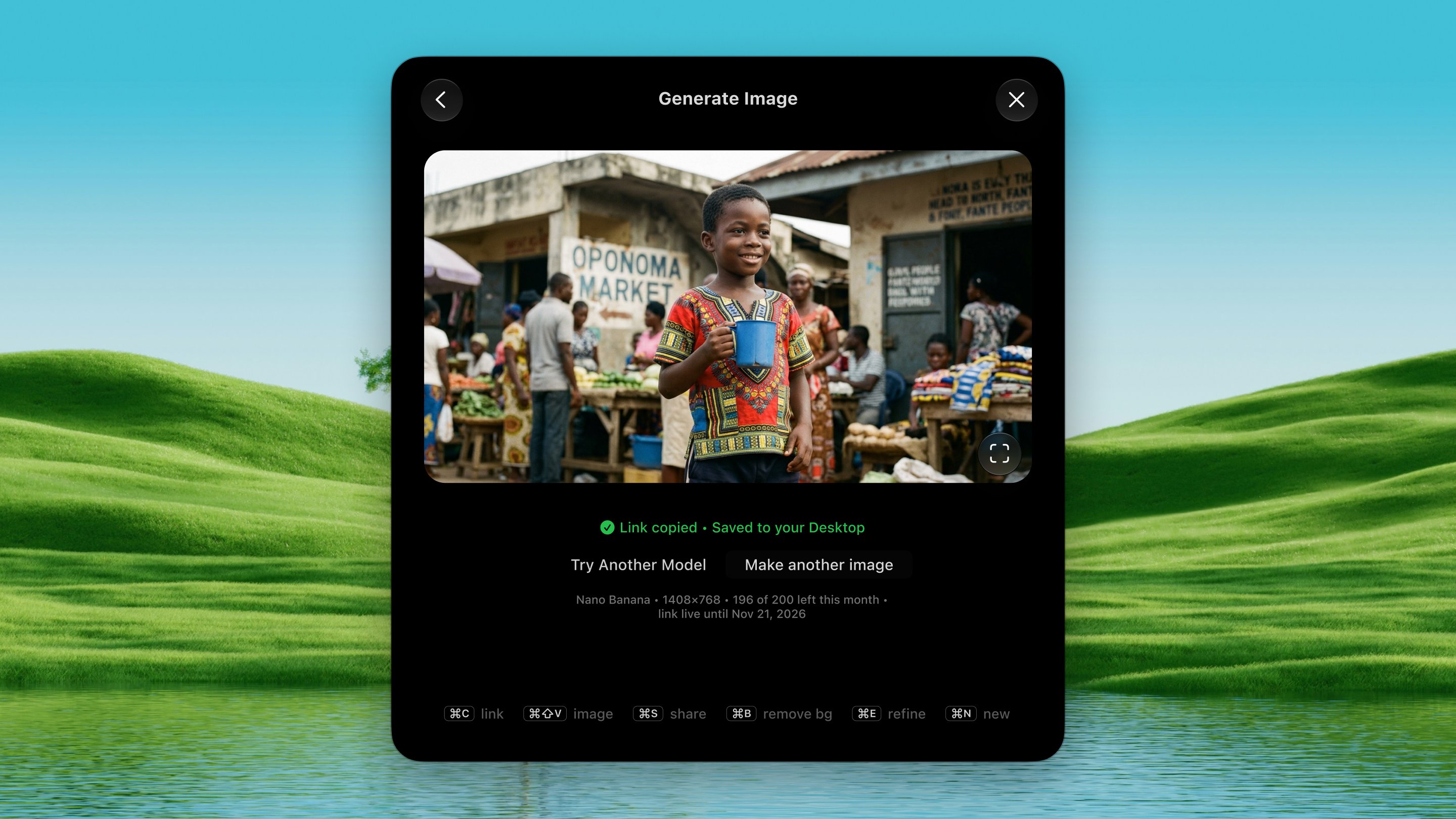
Open it
Press ⌃ ⌥ G from any app.How it works
1
Pick a model
Press ⌃ ⌥ G. A row of model tiles floats
up. Pick with ← → (or 1–3)
and confirm with ↩.
2
Choose a mode
⇥ toggles between modes:
- Create new: makes an image from your words.
- Edit a photo: changes a photo you add. Attach up to 10 reference photos via Choose Photo, Snip Screen, ⌘ V, or drag-and-drop.
3
Generate
Type your description, set aspect ratio / background if you like, and
press ↩ to generate.
4
Use the result
The result appears in the panel, the hosted link is auto-copied,
and the file auto-saves to your Desktop. The real per-image cost is
shown.
Models
OpenAI, Nano Banana, Seedream.Aspect ratios
Auto · Square (1:1) · Wide (16:9) · Tall (9:16) · Landscape (4:3) · Portrait (3:4) · Social (4:5) · Frame (5:4).Background
Auto · Transparent · Opaque.History
⌘ H shows your last 50 generations. Press ↩ on one to bring it back. The panel remembers where you dragged it.Options
Settings → Tools → Generate Image:- When the image is ready, copy: the link or the image itself (the file is saved to your Desktop either way).
- Default model, aspect ratio, and background.