

Open it
Press ⌃ ⌥ \ from any app.How it works
1
Select text
Select text in any app.
2
Press the shortcut
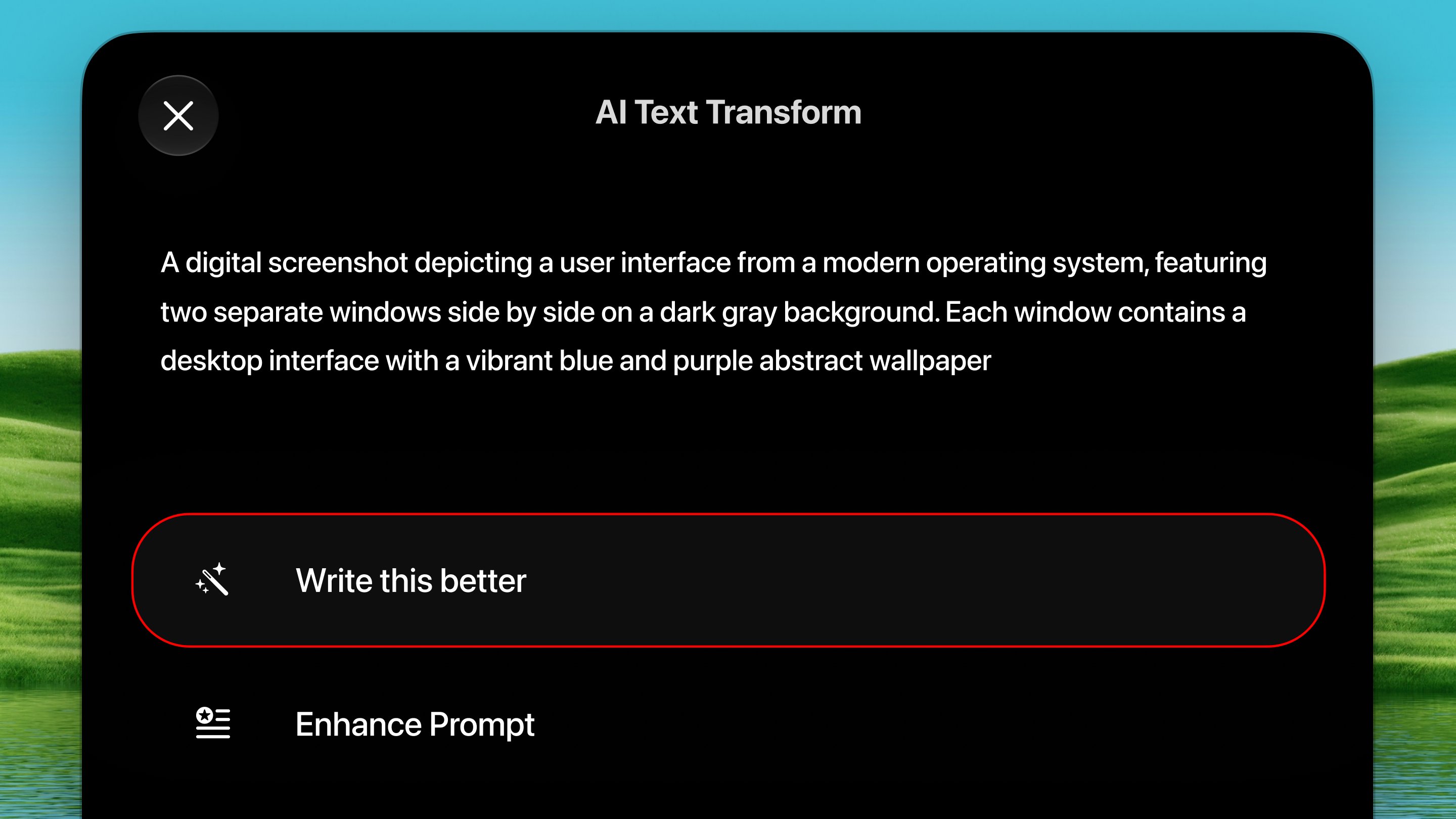
Press ⌃ ⌥ \. A small menu of
transformations appears.
3
Pick a transformation
Pick one (or Custom Prompt to write your own instruction). The
rewrite either replaces your selection or lands on your
clipboard, depending on your setting.
Built-in transformations
- Write this better (improve)
- Enhance Prompt: sharpen a prompt for an AI model
- Shorten Text
- Fix grammar
- Custom Prompt… type any instruction on the spot
Options
Settings → Tools → AI Text Transform:- When done: replace the selection or copy to clipboard.