

.md files and shows them the way they’re meant to
look — with proper headings, tables, lists, code blocks, and more. You can
also edit and save right in the same window.
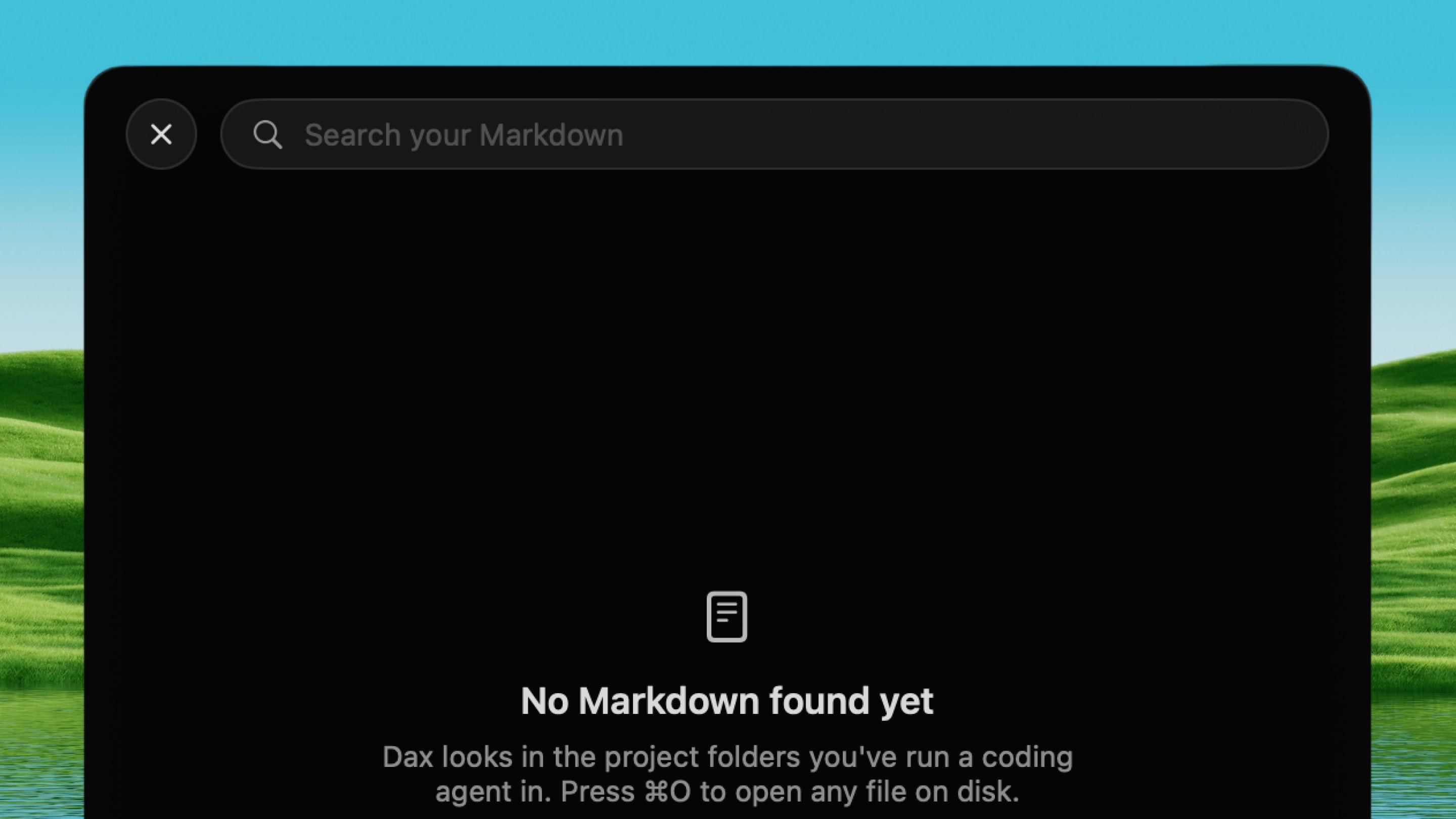
Open it
Press ⌃ ⌥ R from any app.How it works
1
Pick a file
Choose a
.md file from the file picker, or open one from Finder.2
Read it
The document is rendered with full Markdown support: headings, lists,
tables, code blocks (syntax-highlighted), images, video, block quotes,
footnotes, and task lists.
3
Edit it
Change the document and save. The viewer is a workspace, not a
read-only preview.
Quick Look
Dax ships a Quick Look extension. Press Space on any.md file in
Finder and you get the same rendered view — the Finder preview and the
Dax viewer use the identical renderer, so they can’t drift apart.