

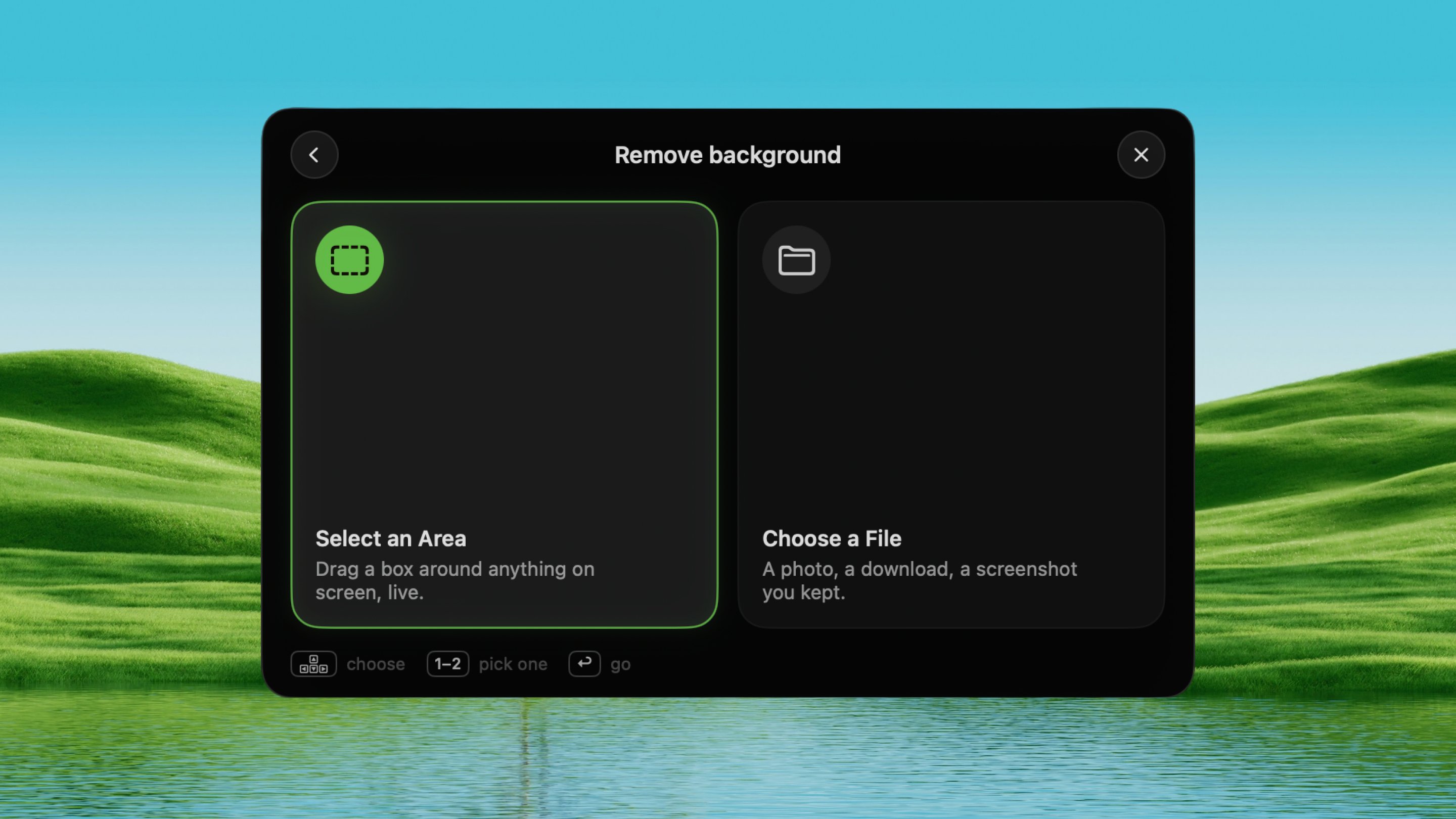
Open it
Press ⌃ ⌥ D from any app.How it works
1
Choose a source
Pick Select an Area to drag a box on screen, or Choose a File to
open a picture from disk. The choice is asked fresh each press.
2
See the cutout
The subject appears on transparency in a full-screen viewer. Scroll to
zoom, drag to pan, double-click for 1:1.
3
Use it
The transparent PNG is already on your clipboard. It’s also saved to the
Desktop and optionally uploaded for a shareable link.
What you get
- Clipboard: a transparent PNG, always.
- Desktop: saved as
Cutout.png(auto-numbered if one already exists). Turn this off in Settings. - Link: uploaded for a shareable URL. Turn this off in Settings.
Settings
Settings → Tools → Remove BG:- Also save the cutout to the Desktop — on by default.
- Also upload the cutout for a link — on by default. This is the one part of the tool that leaves your Mac.