

AGENTS.md) into
any project you’ve worked in, right where the coding agent will read it. Or
installs one of Dax’s agent skills. Or hands a file to an agent running on
another machine.
Open it
Press ⌃ ⌥ A from any app.How it works
1
Pick what to inject
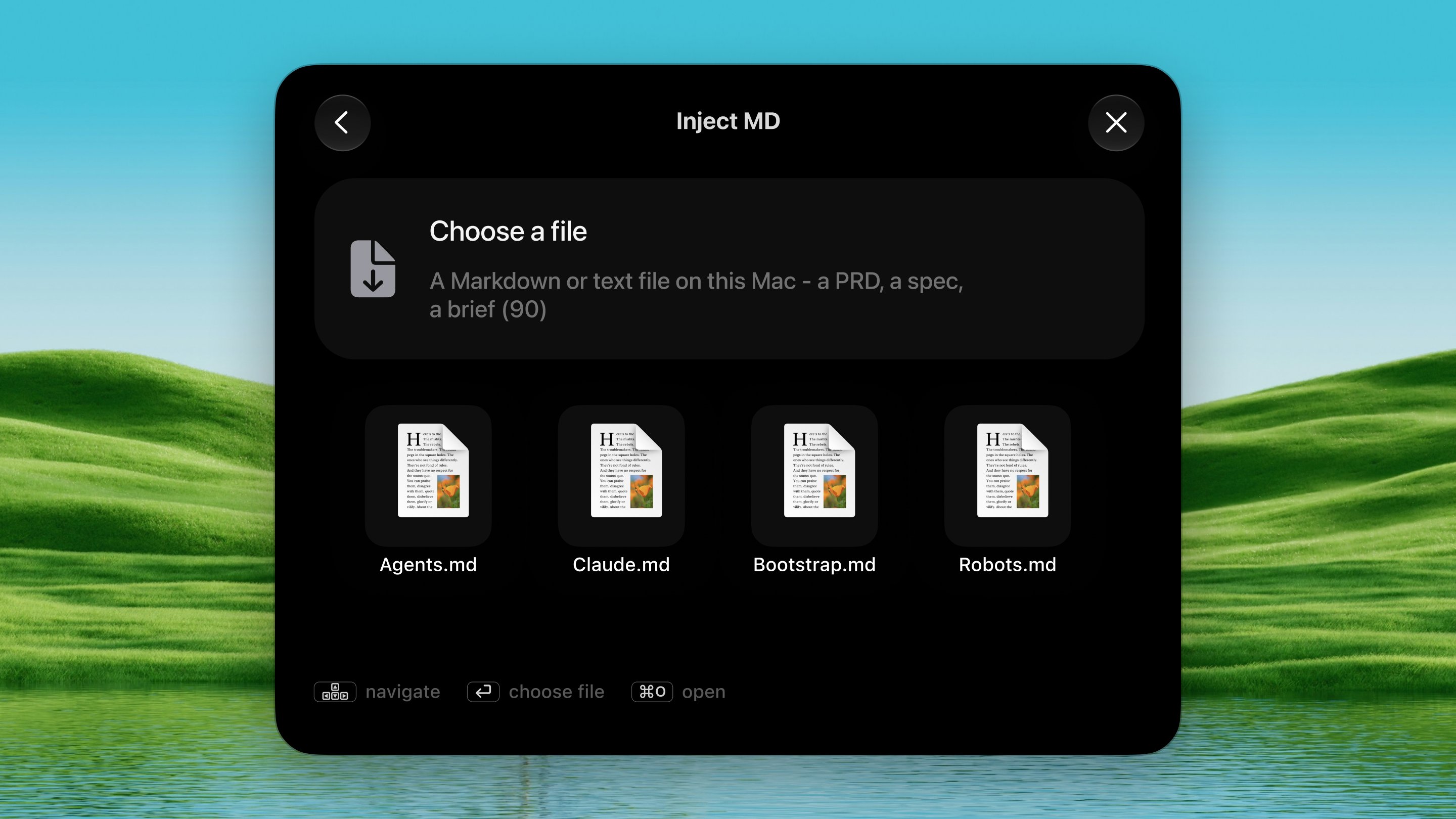
Press ⌃ ⌥ A. The first screen has two
tabs (⌘ 1 / ⌘ 2):
- My Documents — the Markdown files this tool keeps (
AGENTS.mdby default), yours to edit in Settings. Press ⌘ O to pick any Markdown or text file on this Mac instead — the PRD or brief you just wrote. - Skill Library — agent skills written by Dax. Type to search them; the highlighted one opens out so you can read it before you commit.
2
Pick a project
A palette of every project you’ve run Claude Code or Codex in
appears, distilled from your session traces.
3
Inject
Pick where it goes:
- A project — written into that folder, exactly where the agent looks for it.
- Choose Folder… — any folder on disk.
- Share as a Link… — for an agent that isn’t on this Mac (documents only; see below).
Skill Library
Skills are written by Dax. You can browse, search and inject them — there is nothing here to create your own, and that is deliberate: a skill is something an agent loads and acts on, and a library of those is only worth trusting with one author behind it. Your own instructions have their own tab. A skill is a folder, not a file. Injecting one writes.claude/skills/<name>/ into the project, which is where Claude Code looks.
If the folder is already there you’re asked before it is replaced.
Dax fetches the library and keeps a copy, so the tab works offline; when it
is showing the cached copy rather than a fresh one, it says so.
A skill cannot be shared as a link — the link route serves one file into
the project root, and a skill has to land in its own folder, so the option
isn’t offered.
Share as a link
Instead of injecting into a local folder, choose Share as a Link from the project palette. The file uploads and a one-linecurl command lands on
your clipboard:
- Expiry: links expire after one hour by default. Change the window or make it single-use in Settings → Tools → Inject MD.