

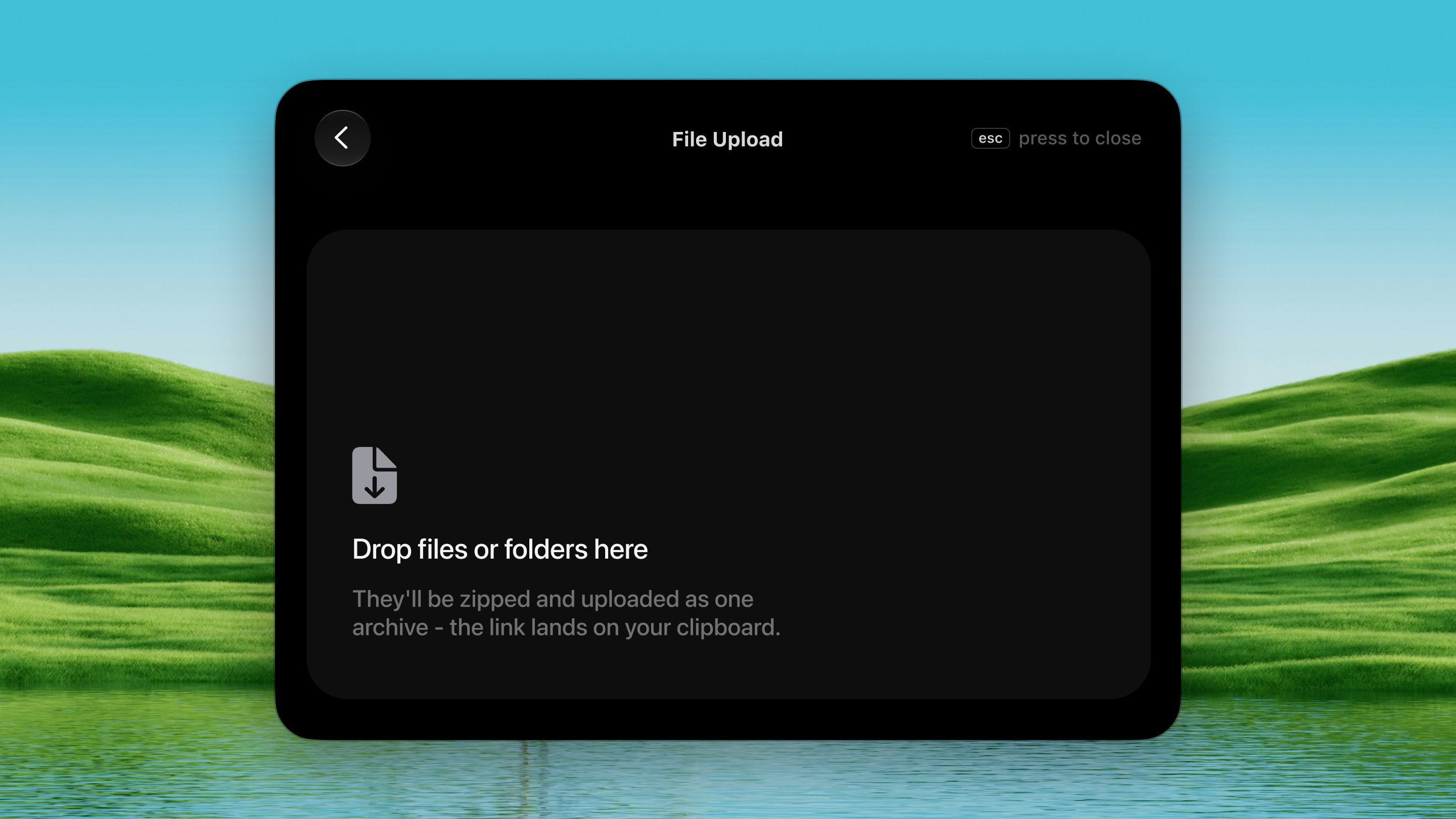
Open it
Press ⌃ ⌥ L from any app. Or skip the shortcut: shake a file you’re already dragging and a drop shelf appears under the pointer.How it works
1
Open the drop window
Press ⌃ ⌥ L. A drop window floats up and
stays up while you drag from Finder.
2
Drop your files
A single file of any kind uploads as-is. Multiple files or a
folder are bundled into one zip, then uploaded.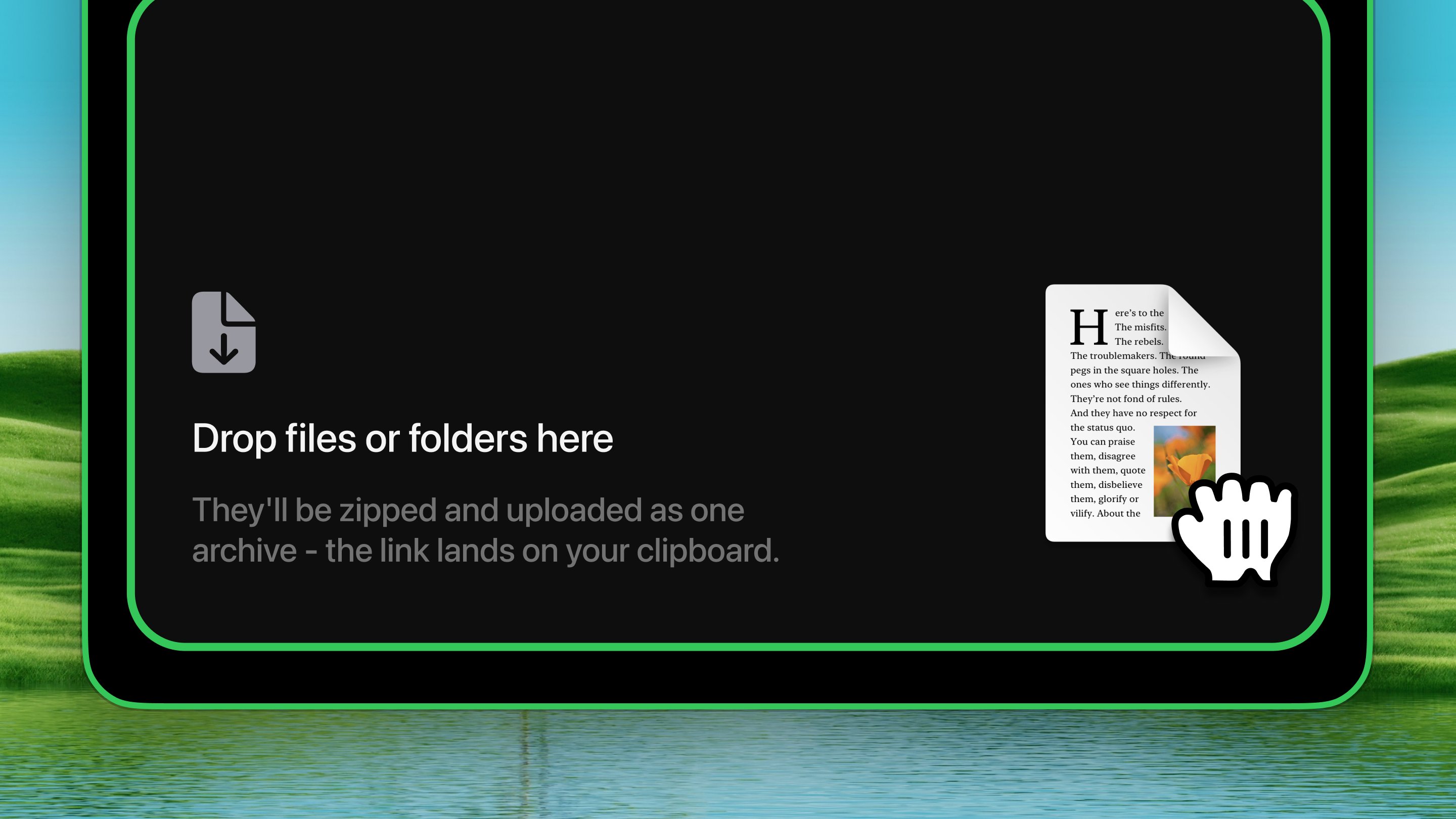
3
Upload
Click Upload. The link lands on your clipboard. Paste it to any
LLM.
Shake to drop
Pick up a file anywhere, wiggle it while still holding, and a dark drop shelf appears under the pointer. Drop on it and the upload starts immediately — no ⌃ ⌥ L needed.- On by default, with a one-time explanatory toast
- Switch it off in Settings → Tools → File Drop → Shake to drop
- Three quick horizontal direction reversals trigger the shelf
Limits & notes
- Up to 256 MB per upload.
- Links expire automatically after 90 days.
- Files only leave this Mac when you click Upload, never on drop.
- Closing the window no longer cancels the upload — it continues in the background.