

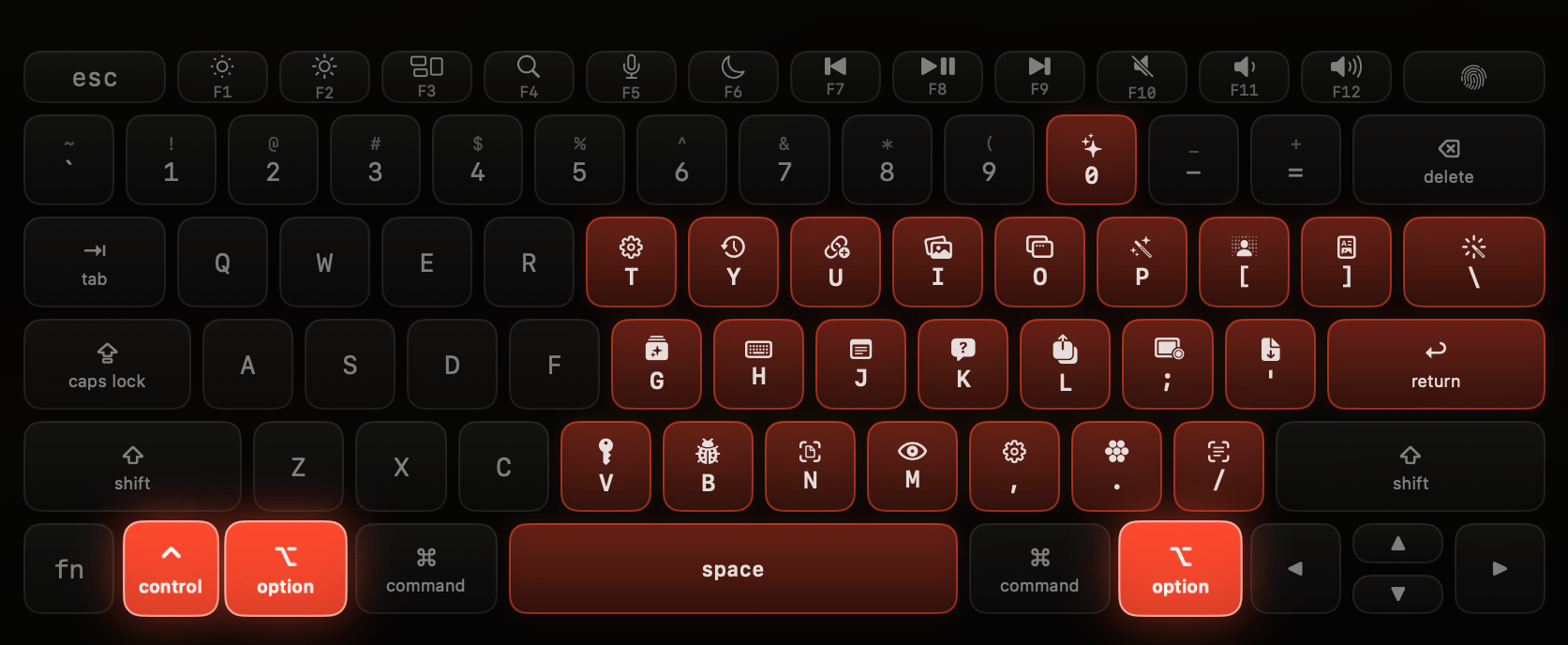
New to Dax? How Dax works covers the launcher grid,
activation, and offline behavior that apply to every tool below.
Quick reference
⌃ is Control, ⌥ is Option, and Return is the Return/Enter key.
A dash in the Internet column means the tool works fully offline.
Dax shortcuts (not tools)
Managing tools
Every tool can be:- Enabled or disabled: Settings → Tools → (tool) → Enabled. Disabled tools don’t respond to their shortcut and are hidden from the launcher.
- Rebound or cleared: Settings → Shortcuts (⌃ ⌥ H).
- Reordered or pinned in the launcher: Settings → Launcher.