

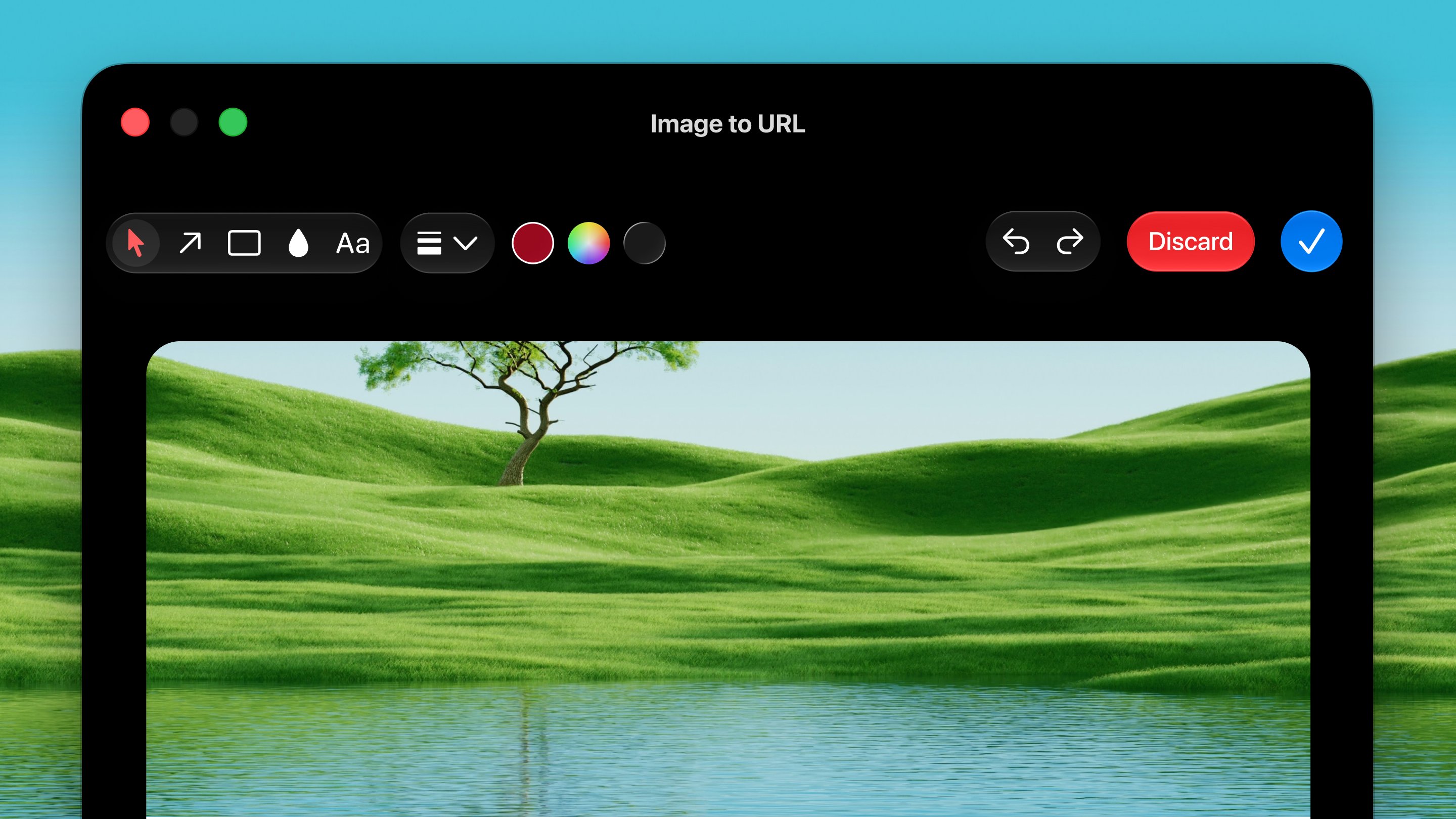
Open it
Press ⌃ ⌥ U from any app.How it works
1
Copy an image
Copy an image, or set the image source to a screen region instead (see
Options below).
2
Press the shortcut
Press ⌃ ⌥ U. The image is uploaded to the
image service.
3
Paste the link
The returned link is copied to your clipboard and shown in a toast.
Paste it anywhere.
Options
Settings → Tools → Image to URL:- Image source: Get Image from Clipboard (default) or Get Image from Screenshot (draw a region on screen when you press the shortcut).
Dax Shots
Every image you hand to this tool is saved to~/Pictures/Dax Shots/Image to URL,
named the way macOS names screenshots. The link expires after 90 days, but your
original is always there to find again.