

Open it
Press ⌃ ⌥ P from any app.How it works
1
Copy an image
Copy any image: a design, a screenshot, something you want to reproduce.
2
Press the shortcut
Press ⌃ ⌥ P. The image is sent to a
vision model with your chosen prompt style.
3
Paste the prompt
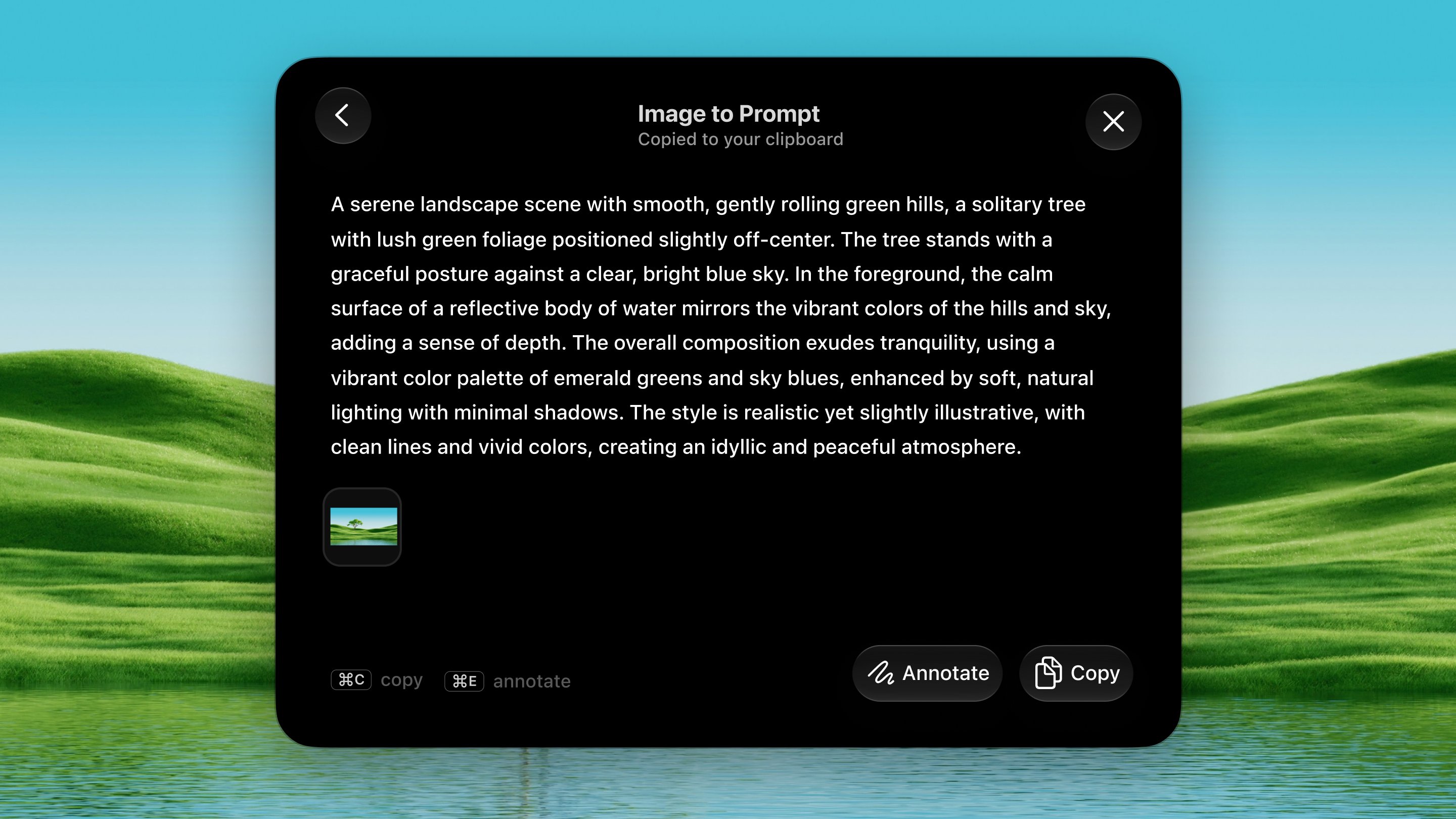
A detailed recreation prompt lands on your clipboard and appears in a
panel. Paste it into any image generator or LLM.
Prompt styles
Settings → Tools → Image to Prompt:- UI Focused: a prompt to rebuild the screen in code.
- General Purpose: a balanced, faithful description.
- Image Focused: geared toward recreating the image in an image model.
- Ask me every time: pick the style from a menu on each run.
Dax Shots
Every image you hand to this tool is saved to~/Pictures/Dax Shots/Image to Prompt,
named the way macOS names screenshots, so you can always find it again.