

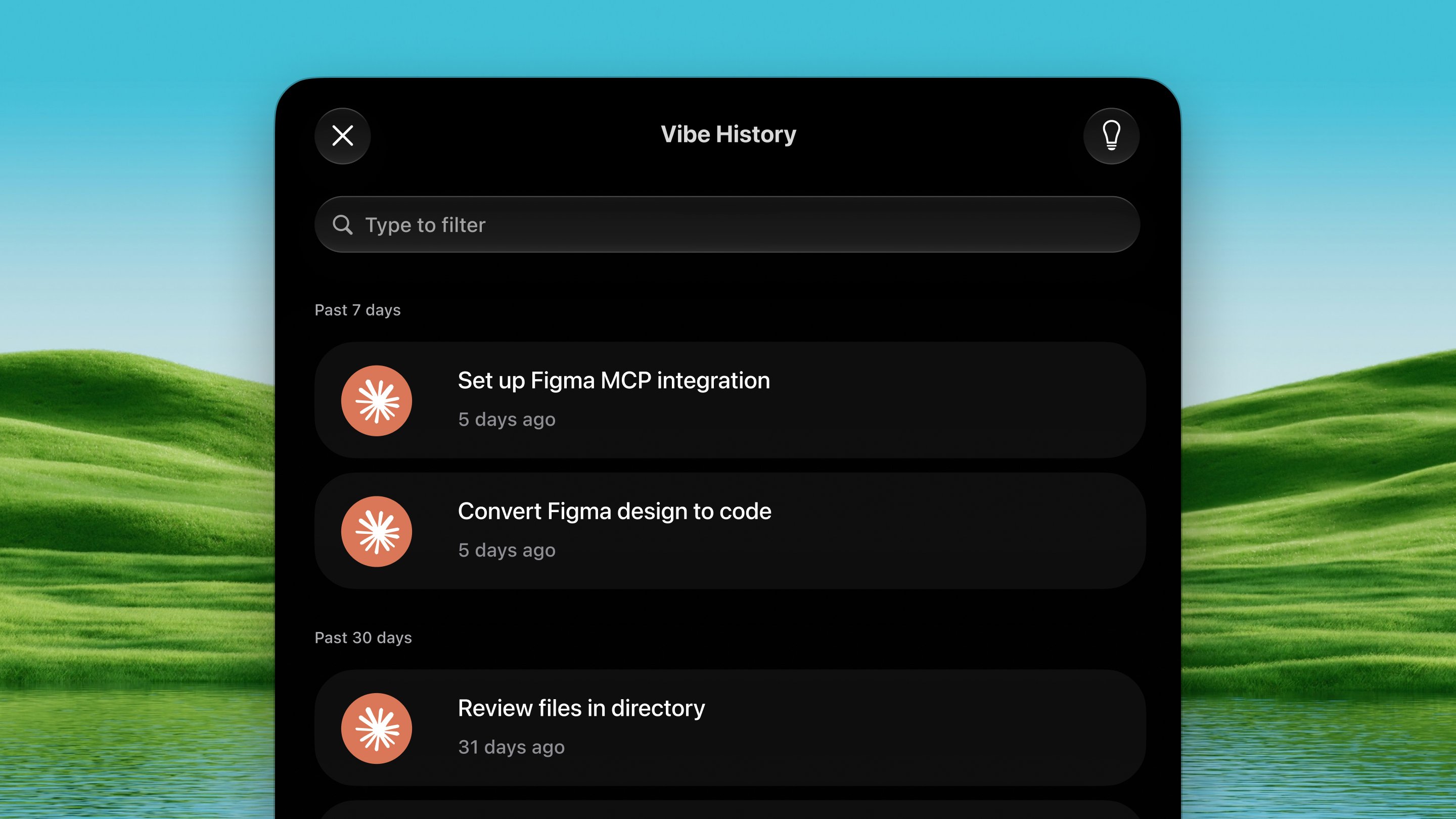
Open it
Press ⌃ ⌥ S from any app.How it works
1
Open the palette
Press ⌃ ⌥ S. Your recent agent
conversations float up as a list.
2
Pick an action
Press ⇥ to cycle between three buttons across the top:
- Copy Resume Command — puts
claude --resume …on your clipboard. - Open in Terminal — opens your terminal in that project’s folder with the resume command already running.
- Copy Context — puts the whole conversation on the clipboard, to paste into a fresh agent.
3
Jump back in
Press ↩ on the conversation you want. ⌘
C copies the resume command from any of the three modes.
Options
Settings → Tools → Vibe History:- Toggle which agents to include: Claude Code, Codex.
- Open sessions in — which terminal app Open in Terminal uses. Default is whichever app your Mac already opens terminal scripts with; only terminals installed on this Mac are listed.