

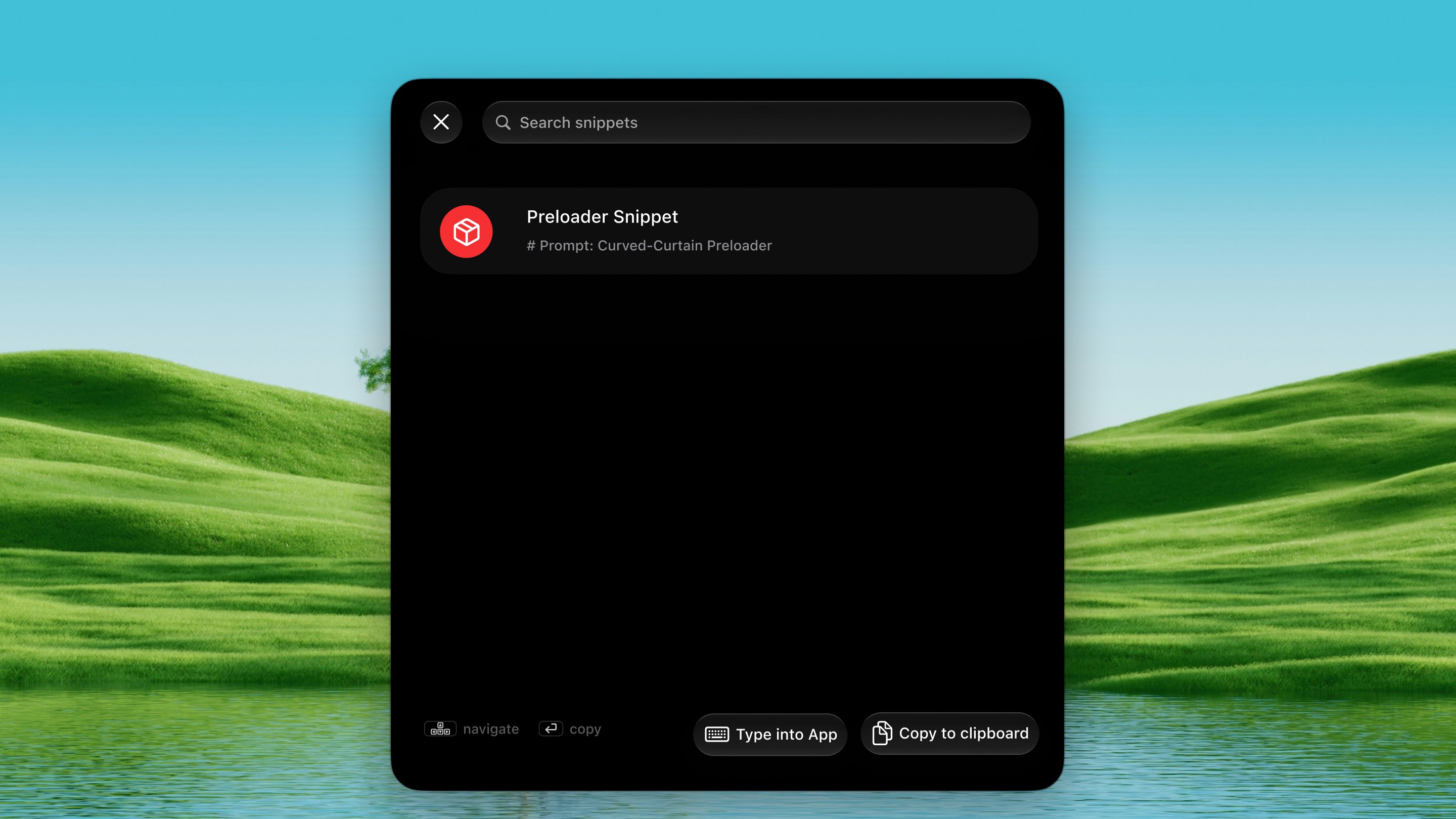
Open it
Press ⌃ ⌥ J from any app.How it works
1
Open the palette
Press ⌃ ⌥ J. Your saved snippets float
up in a searchable list.
2
Search and pick
Type to filter, then press ↩ to use the selected snippet.
⇥ toggles between copying it to the clipboard and typing it
directly into your focused app.
3
Manage snippets
Add, edit, or remove snippets in Settings → Tools → Prompt Snippets.
Dax ships with a set of built-in snippets to get you started.
Snippet Library
Beyond your own saved snippets, you can browse a curated library of prompts put together by the Dax team. Search the library from inside the palette to find prompts for common tasks — code reviews, debugging, writing, brainstorming, and more. Pick one and it’s ready to paste.Tips
- Snippets stay entirely on your Mac. Nothing is sent to any server.
- Use snippets for system prompts, code review checklists, commit templates, or any block of text you reach for repeatedly.
- The ⇥ toggle remembers your last choice per session.