

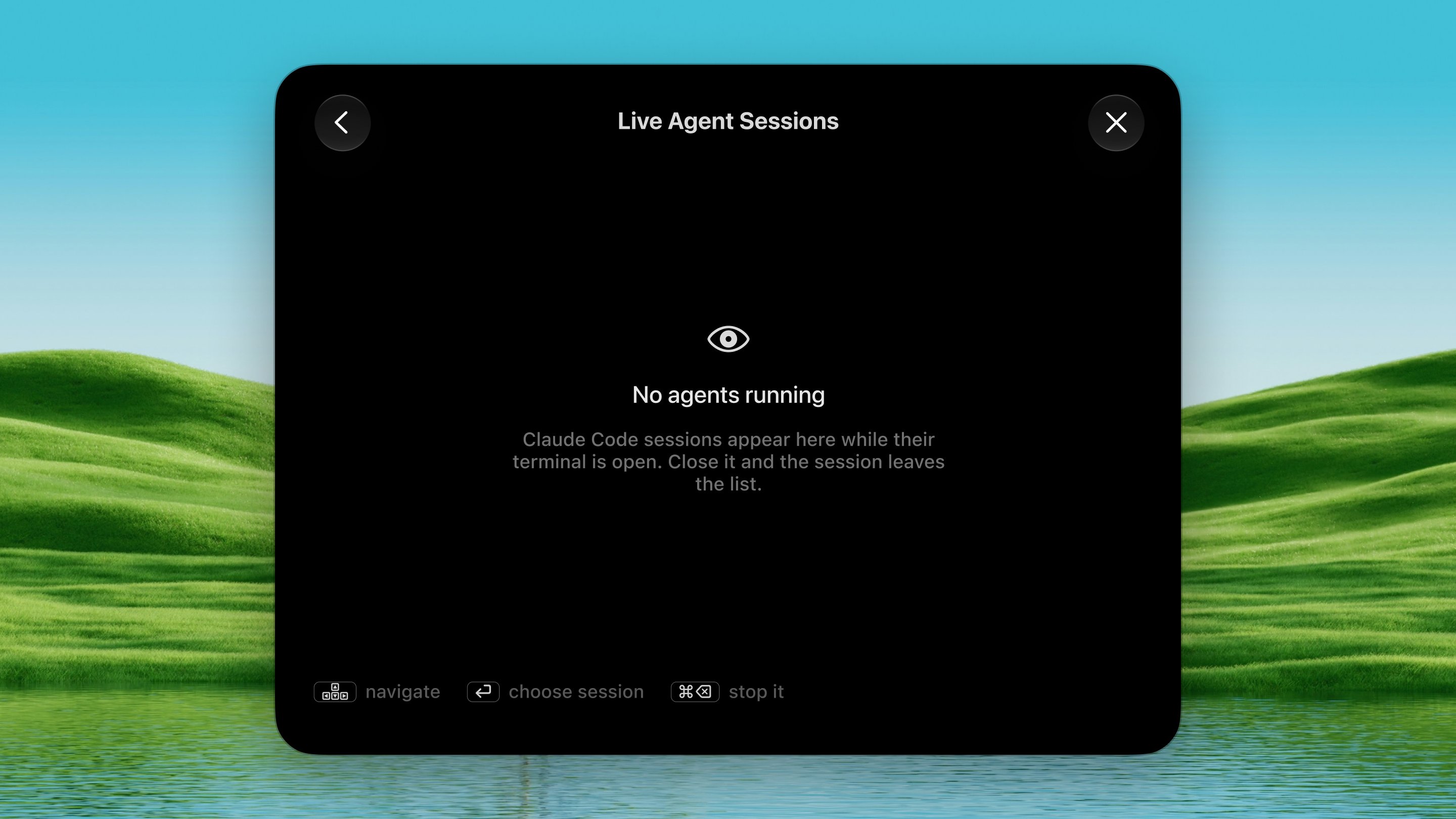
Open it
Press ⌃ ⌥ M from any app.How it works
1
Run your agents
Start one or more Claude Code sessions in any terminal (Terminal, iTerm,
or Ghostty). Agent Watch picks them up automatically.
2
Keep working
A toast appears when a session finishes or is waiting on you (a permission
prompt, a question). Click the toast to jump to that terminal, or type an
answer right there.
3
Open the palette
Press ⌃ ⌥ M to see every live session
at a glance. Each row shows the project name, what the agent last said, a
status light, and how long it has been in that state. Press ↩
to go to the selected session.
Session states
Every session is in one of three states:
The status light and the creature animation both say the same thing, so you
can read the palette at a glance without stopping to parse text.
Characters
Each project gets its own pixel creature, chosen from its folder path. Same repo, same character, every time. No two sessions on screen are ever alike. When two or more sessions share the same folder, they’re numbered (“Dax 1”, “Dax 2”) on the corner of their avatar and in their name, so you can always tell them apart. They walk while a session is working, shuffle about when one wants you, and stand still once it’s done.Meet all 21 characters
Meet all 21 characters


Replying from the toast
When a session is waiting on you, the toast includes a text field. Type your answer and press Return. Dax finds the terminal running that session, brings it forward, and pastes your reply in. Works with Terminal, iTerm, and Ghostty. If the terminal can’t be identified, your answer goes to the clipboard instead and Dax tells you to paste it yourself.Hooks (optional, recommended)
Without hooks, Dax reads the agent’s trace files every few seconds and infers whether it’s waiting. With hooks installed, Claude Code tells Dax directly, which is faster and certain. Install them from Settings → Tools → Agent Watch → Install Hooks. This adds two entries to~/.claude/settings.json (backed up first):
- Notification: fires the moment a session hits a permission prompt or finishes.
- Stop: delivers the finished reply as it lands.
Plain-language summaries
What agents write is paragraphs. A toast has room for a line. When Say it in plain language is on, Dax rewrites the agent’s message into one sentence using Apple’s on-device model, with no network, no cost, and works offline. Requires macOS 26 and Apple Intelligence.Options
Settings → Tools → Agent Watch:- A session finishes: toast when a turn is done.
- One is waiting on me: toast on a permission prompt or question.
- Play a sound: chime alongside the toast.
- Pause watching: stop notifications without disabling the tool.
- Say it in plain language: on-device AI summary of the agent’s message.
- Let me answer from the toast: reply field on “needs you” toasts.