

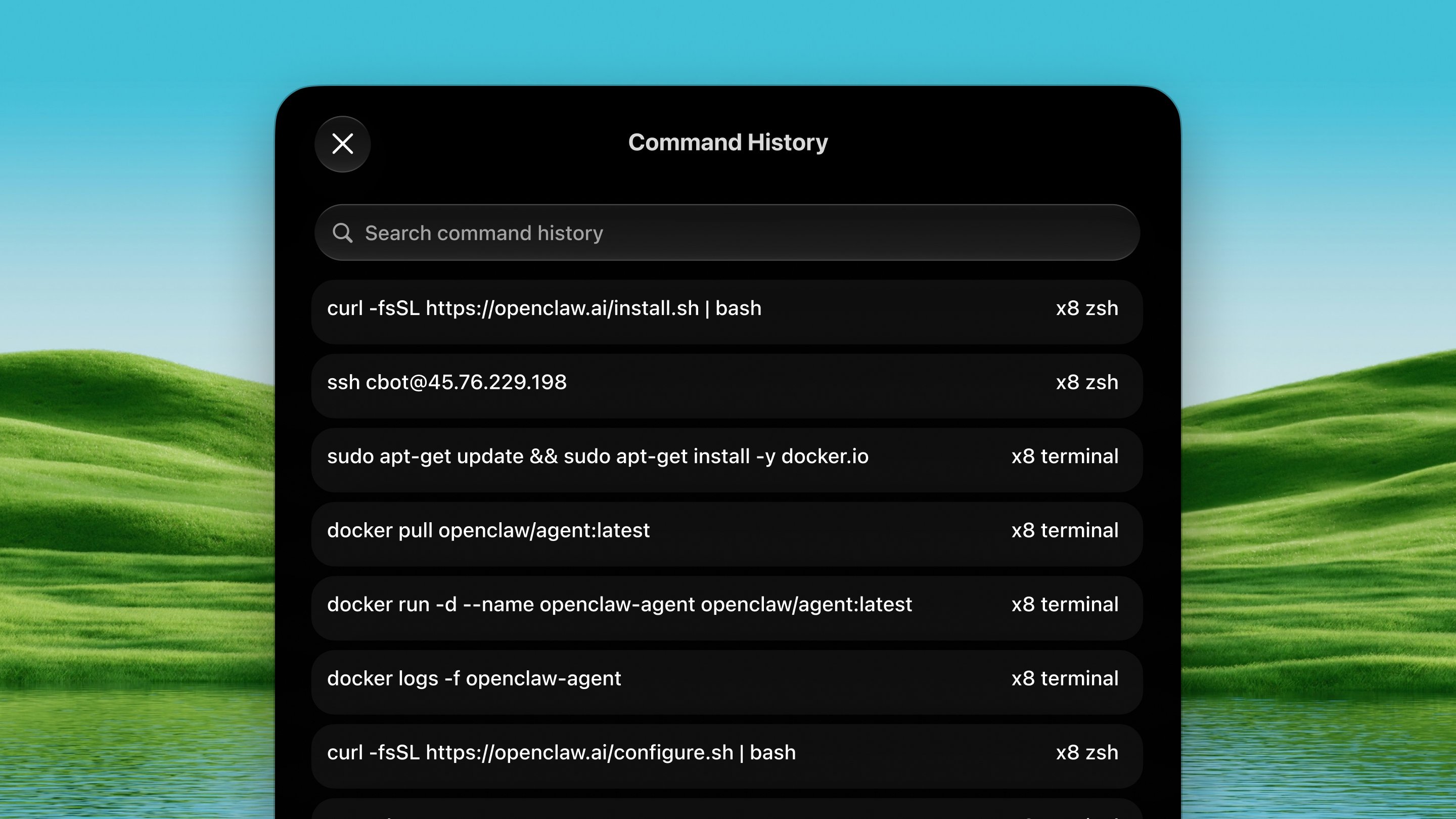
Open it
Press ⌃ ⌥ Y from any app.How it works
1
Focus your terminal
Focus the terminal (or any text field) where you want the command to go.
2
Open the palette
Press ⌃ ⌥ Y. Your past commands float
up, ranked by frecency. The ones you use most lead before you type a
thing.
3
Search and pick
Type to fuzzy-search. Press ↩ to act on the selected command,
⌘↩ to insert-and-run, or ⌘C
to copy.
Safety
Destructive-looking commands (rm -rf, sudo, dd…) are inserted for
review but never auto-run, even with ⌘↩ or the
“run on return” setting.
Configuring
Settings → Tools → Command History:- Shells: choose which shells to search (defaults to every shell that has a history file on your Mac).
- Start with: seed the search bar with a prefix (e.g.
ssh) to turn the palette into a focused launcher for one command family. - Only show commands matching: a regex filter; the default
(
^\S+\s+\S+) keeps only “command + arguments” lines. - Hide these commands: a comma-separated exclusion list for throwaway
commands (
ls,cd,clear…). - Run on ↩: when on, ↩ presses Return after inserting (off by default; destructive commands still never auto-run).