

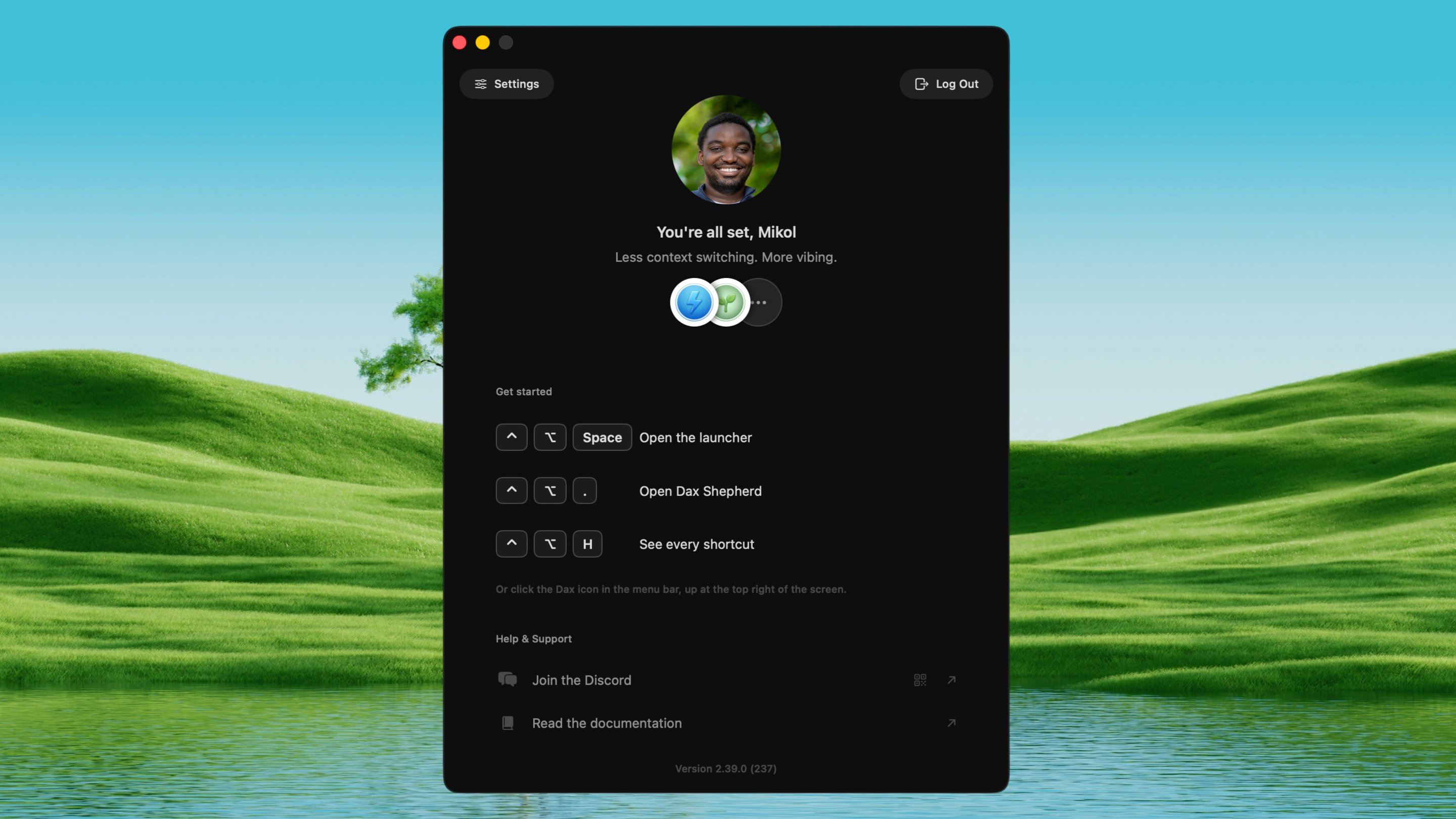
Quickstart
Install Dax and run your first tool in under two minutes.
How Dax works
Summoning, activation, offline behavior, and privacy: the shared model
behind every tool.
Keyboard shortcuts
Every tool’s shortcut in one table.
The tools
Image to URL
Drop an image, get a hosted link.
File Drop
Bulk-upload files in one go.
Image to Prompt
Turn any image into a prompt.
Ask AI
Ask a quick question, anywhere.
Image Ask
Ask AI about an image.
Generate Image
Make an image from a prompt.
AI Text Transform
Rewrite or reshape selected text.
Frequent CLIs
Jump to the CLIs you use most.
Open Project
Jump straight into a project.
Inject MD or Skill
Drop an AGENTS.md or install a skill from the library into any project.
Vibe History
Resume a coding session or copy its context to a new one.
Command History
Fuzzy-search your shell history.
Image to Text
Pull text from any image with on-device OCR.
Secrets
Encrypted key-value vault in your menu bar.
Context Form Fill
Auto-fill forms using your saved context.
Remove BG
Cut the subject out of a picture.
Dax Shepherd
A herd of coding agents in one window.
Clip to Link
Record a region, get a link.
Agent Watch
See what every coding session is doing.
Prompt Snippets
Saved prompts you can search and paste.
Markdown Viewer
Open, read, and edit Markdown with live rendering.