

Open it
Press ⌃ ⌥ V from any app.How it works
1
Add a secret
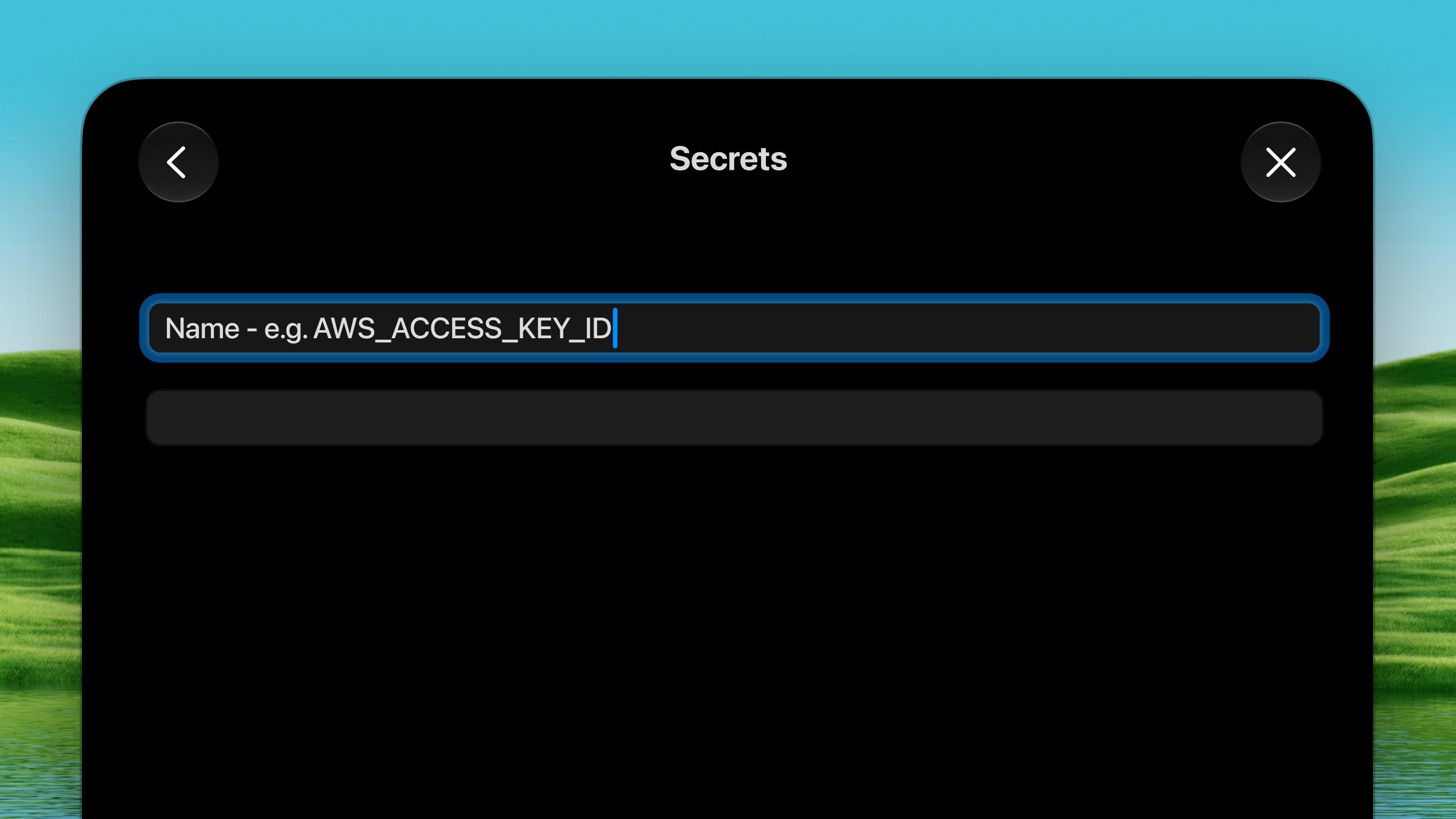
Press ⌃ ⌥ V to open the palette, then
press N to add a new secret. Give it a name — Dax
auto-suggests from 80+ common names like
OPENAI_API_KEY,
AWS_SECRET_ACCESS_KEY, or STRIPE_SECRET_KEY. Press Tab to
accept a suggestion. Then enter the value. You can toggle the eye
icon to show or hide it while typing.The value is stored in your Mac’s Keychain — encrypted at rest,
protected by macOS.2
Copy the instruction
When you save, Dax copies a paste-ready instruction to your
clipboard. It tells the agent how to use the secret through the Dax
broker — something like:The instruction also includes rules telling the agent to never echo,
print, or log the value. You can copy the instruction again at any time
from the palette.
3
Paste it into the agent
Paste the instruction into your Claude Code (or any coding agent)
conversation. The agent now knows the secret exists and how to use it,
but it never sees the actual value.
4
Approve each use
When the agent runs a command that needs the secret, Dax pops up an
approval panel showing:
- Which secret(s) are being requested
- The exact command that will receive them
- The working directory
The approval panel
Every time an agent tries to use a secret, you see exactly what’s happening before you allow it:- The secret name(s) — which secrets the command is requesting
- The command — the full command line, so you can verify it’s legitimate
- The folder — where the command will run
echo, printenv, cat), Dax shows an orange warning so you can think
twice before approving.
Managing secrets
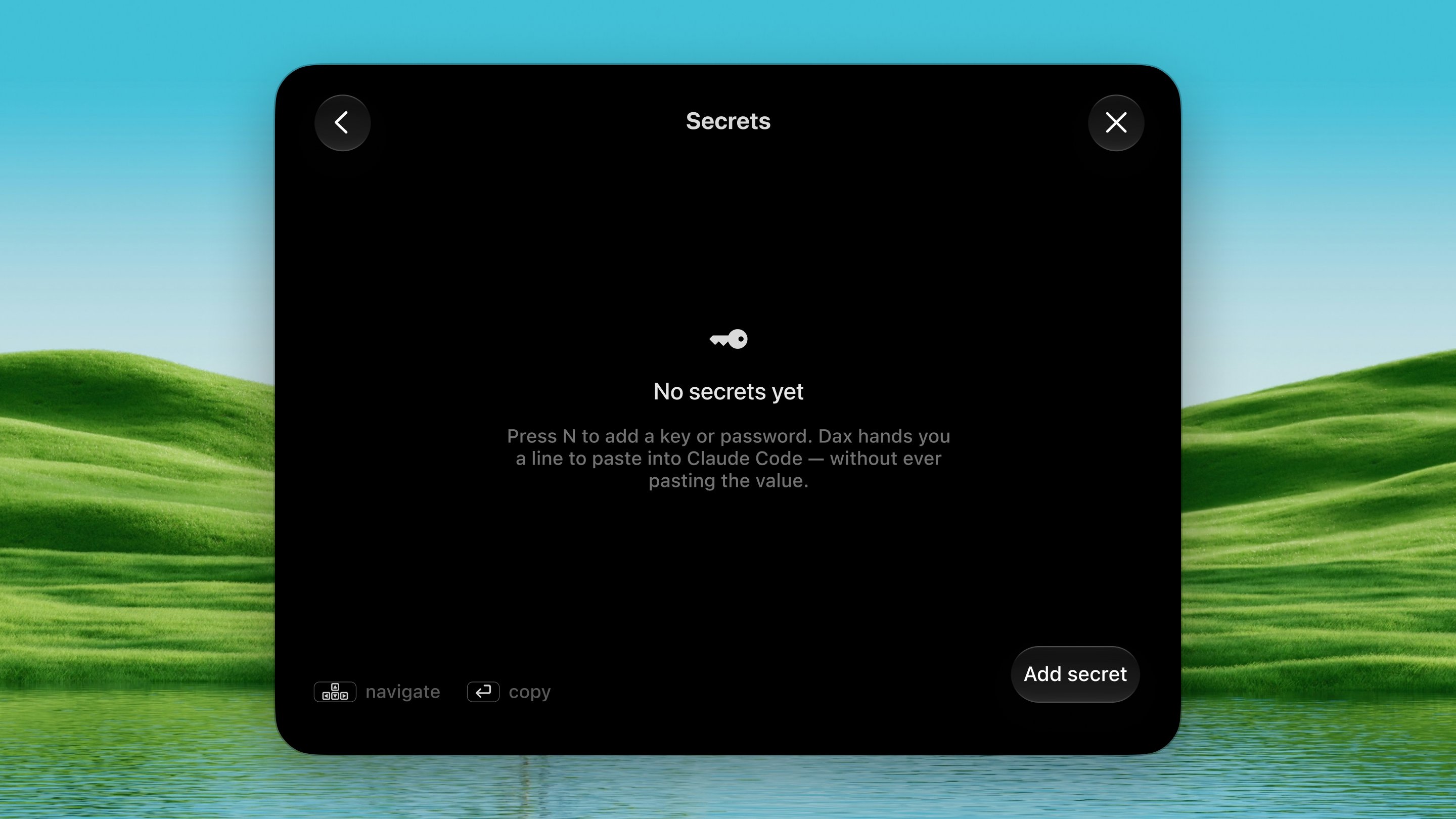
The palette shows all your stored secrets in a list:- Navigate with ↑ ↓ arrow keys
- Copy instruction — press Return on any secret to copy its instruction to the clipboard
- Add — press N to add a new secret
- Delete — press Delete on a selected secret (confirm with a second press)
Multiple secrets
You can pass more than one secret to a single command:Installing the dax command
The first time you save a secret, Dax installs a dax command-line helper
at ~/.dax/bin/dax. This is what the agent calls when it runs
dax run --secret .... You can reinstall it from Settings → Tools →
Secrets → Install / Reinstall.
If ~/.dax/bin isn’t on your PATH, the instruction Dax copies will use the
full path instead.
What it protects
- Your secret is encrypted at rest in the macOS Keychain
- Only the name appears in the conversation — never the value
- The value is injected per-command and only after you approve
- The approval panel shows the exact command so you can spot anything suspicious
- Everything runs locally — no network, no cloud, fully offline
Secrets can’t protect against a fully compromised machine or an agent that
you approve and that intentionally leaks the value. The approval step is
your safeguard — always check the command before clicking Allow.